Firmware flow
How instrument registers become useful readings
Selected Modbus flow-rate and accumulator readers.
Each reader requests its registers, returns an unavailable value on communication failure, and otherwise decodes the words into either instantaneous flow or an accumulated reading.
The two readers are separate functions, not a guaranteed call sequence. Register layout and hardware multiplier settings are assumed by the code; no instrument validation is shown.
Read the implementation
regToFloat / readFlowRate / readPositiveAccum · selected source lines 31–52. Source inspection is not a hardware test.
float regToFloat(uint16_t hi, uint16_t lo) {
  union { uint32_t U; float F; } u;
  u.U = ((uint32_t)hi << 16) | lo;
  return u.F;
}
// Read instantaneous flow (m³/h), then convert to L/s
float readFlowRate() {
  if (node.readHoldingRegisters(0x0000, 2) != node.ku8MBSuccess) return NAN;
  return regToFloat(node.getResponseBuffer(0), node.getResponseBuffer(1)) * 0.2778;
}

// Read positive accumulator (LONG + fraction)
float readPositiveAccum() {
  // INTEGER part at reg 0009 -> offset 8, fraction at 0011 -> offset 10
  if (node.readHoldingRegisters(0x0008, 4) != node.ku8MBSuccess) return NAN;
  // lower two regs = integer, upper two = fraction
  int32_t N  = (int32_t)node.getResponseBuffer(0) << 16
             | node.getResponseBuffer(1);
  float   Nf = regToFloat(node.getResponseBuffer(2), node.getResponseBuffer(3));
  // multiplier n is handled in hardware (M33/M31), so assume direct (no extra 10ⁿ)
  return N + Nf;
}Technical notes
Register conversion
Separate routines read flow rate and positive accumulation. Register conversion translates the raw device response into application values.
Connected reporting
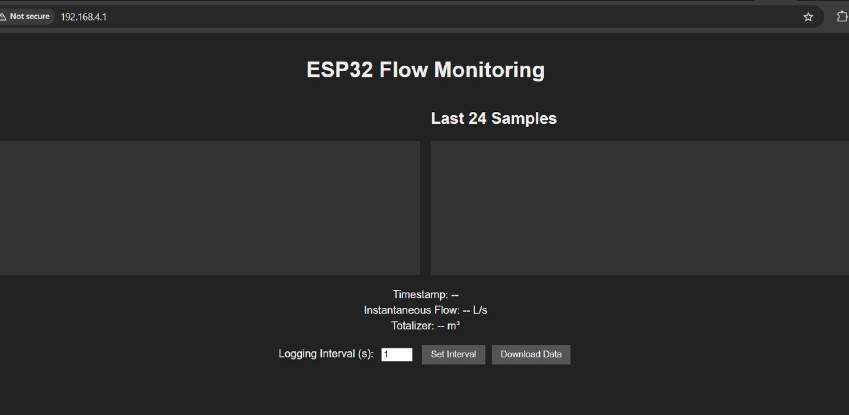
Wi-Fi, WebSocket updates and a broadcast routine connect the instrument-facing code to the viewing interface.
Flow rate and accumulation
Flow rate describes current activity; accumulated values describe a total. Both pass through the logger with their meanings kept distinct.